Help me connect Looker dashboards on the team TV.
I can help. First connect or choose an analytics dashboard source, then I will prepare the screen for review.
Put it on the lobby screen and keep it simple.
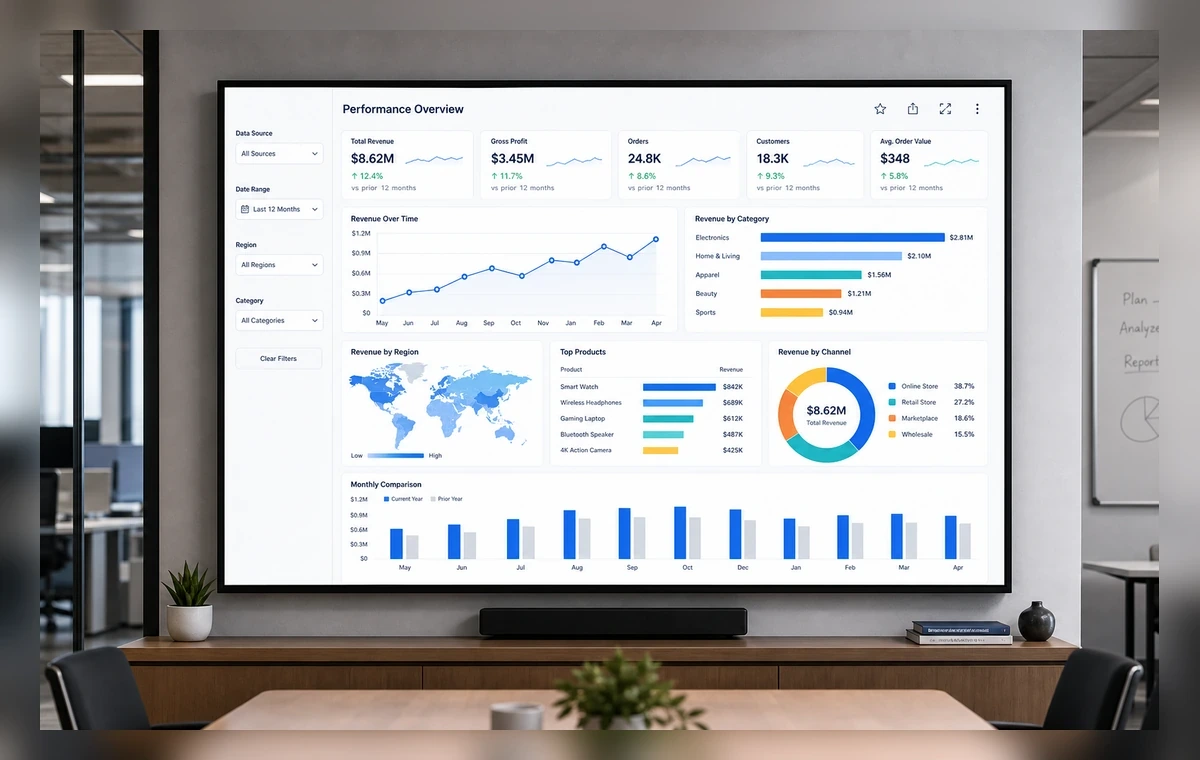
Ready for review. I prepared the slide, selected the paired screen, and kept the layout readable from a distance.
1
Connect or add the source
Open ScreenaAI Console, choose Apps & Integrations or Dashboards, and connect or add an analytics dashboard source.
2
Create a slide
Go to Slides, create a new slide, choose the connected source, and review the screen layout.
3
Assign and display
Add the slide to a playlist, assign it to your paired screen or screen group, and publish.
Why show Looker dashboards on TV
Important updates lose value when they stay buried in tabs, tools, and private dashboards. ScreenaAI helps teams turn an analytics dashboard source into a shared screen that people can understand at a glance.
What to show
Use the TV for the information your audience needs repeatedly: status, schedules, priorities, announcements, queues, or live progress. Keep private details out of shared spaces and favor large cards, short labels, and simple charts.
AI setup versus manual setup
The AI path is best when you can describe the outcome in plain language. Manual setup is best when you want to choose the exact source, layout, playlist, and screen yourself.
Step-by-step summary
- Connect or add an analytics dashboard source in ScreenaAI Console.
- Create a slide and review the layout for TV readability.
- Assign the slide to your paired screen or screen group and publish.
How do I connect Looker dashboards with ScreenaAI?
Open ScreenaAI Console, connect or add an analytics dashboard source, create the screen-ready slide, then assign it to your paired screen or screen group.
Can I use AI instead of the manual setup?
Yes. Describe the screen you want in plain language, then review the suggested Looker dashboards setup before publishing.
How long does setup take?
The manual setup is designed to stay under 2 minutes for a simple screen. The AI approach is faster when the source is already ready to use.
Do I need to keep a browser open on the TV?
No. Pair the screen once, publish from ScreenaAI Console, and manage the content from the Console.