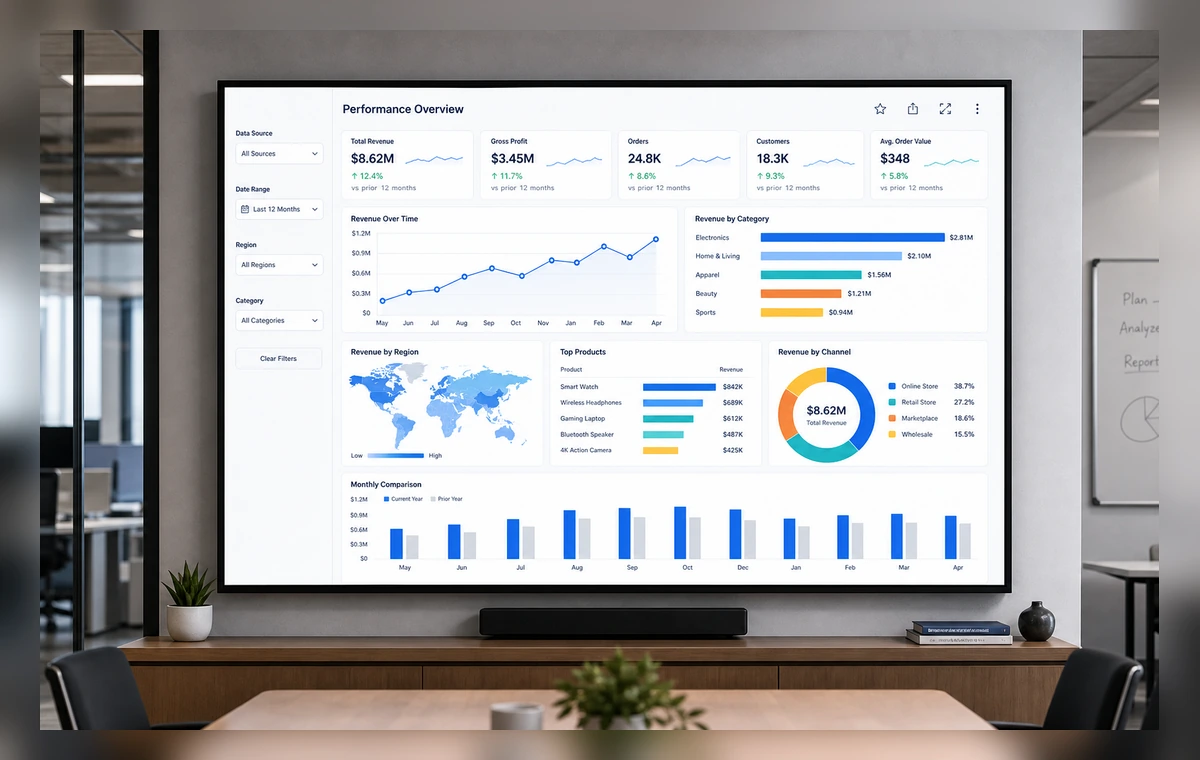
To display Tableau dashboards on TV with ScreenaAI, connect Tableau, choose the dashboard view, review the screen layout, assign it to a paired TV, and publish. Use the AI path for a fast plain-language setup or manual setup when you want to choose every source and screen yourself.
Tableau is most useful on shared screens when the information helps people act without opening another tab. ScreenaAI turns Tableau dashboard view into a screen-ready view for operations teams, analysts, executive teams, regional leaders, customer-facing display areas.
The AI method is best when you know the outcome, for example, "show our Tableau dashboard on the sales floor TV." ScreenaAI helps prepare the workflow for review. Manual setup is best when you want to choose the exact Tableau content, layout, playlist, and screen yourself.
If someone asks how to display Tableau dashboards on TV, the shortest answer is: connect Tableau in ScreenaAI, choose the Tableau dashboard view, review the TV layout, assign it to a paired screen, and publish.
More high-value integration guides:
Connect Tableau, review the slide, and publish to your paired screen.